Distinguish a useful color cue from a nearby decoy.
Which matching dot is also reachable without crossing a blocker?
This cue model separates color, distance, and reachability; exact boards are not asserted.
| Candidate | Color match | Distance | Reachability |
|---|---|---|---|
| Dot beside cursor | Yes | Short | Blocked by an intervening dot |
| Dot two rows away | Yes | Longer | Open path |
| Different color nearby | No | Shortest | Not a legal target |
A correct color is only a candidate until the intervening path proves it reachable.
First bad decision
Take the nearest same-color dot without checking the path between them.
- Tempting move
- Take the nearest same-color dot without checking the path between them.
- Why it appeals
- Color and proximity align.
- Actual cost
- A blocking cue can make the shorter route worse than the open longer route.
Before the next decision
Color Dots Challenge: the four-point re-check
- Confirm color before distance.
- Trace the path, not just the endpoint.
- Avoid targeting a decoy that only looks adjacent.
- Re-scan after each clear changes routes.
Color Dots Challenge’s opening screen
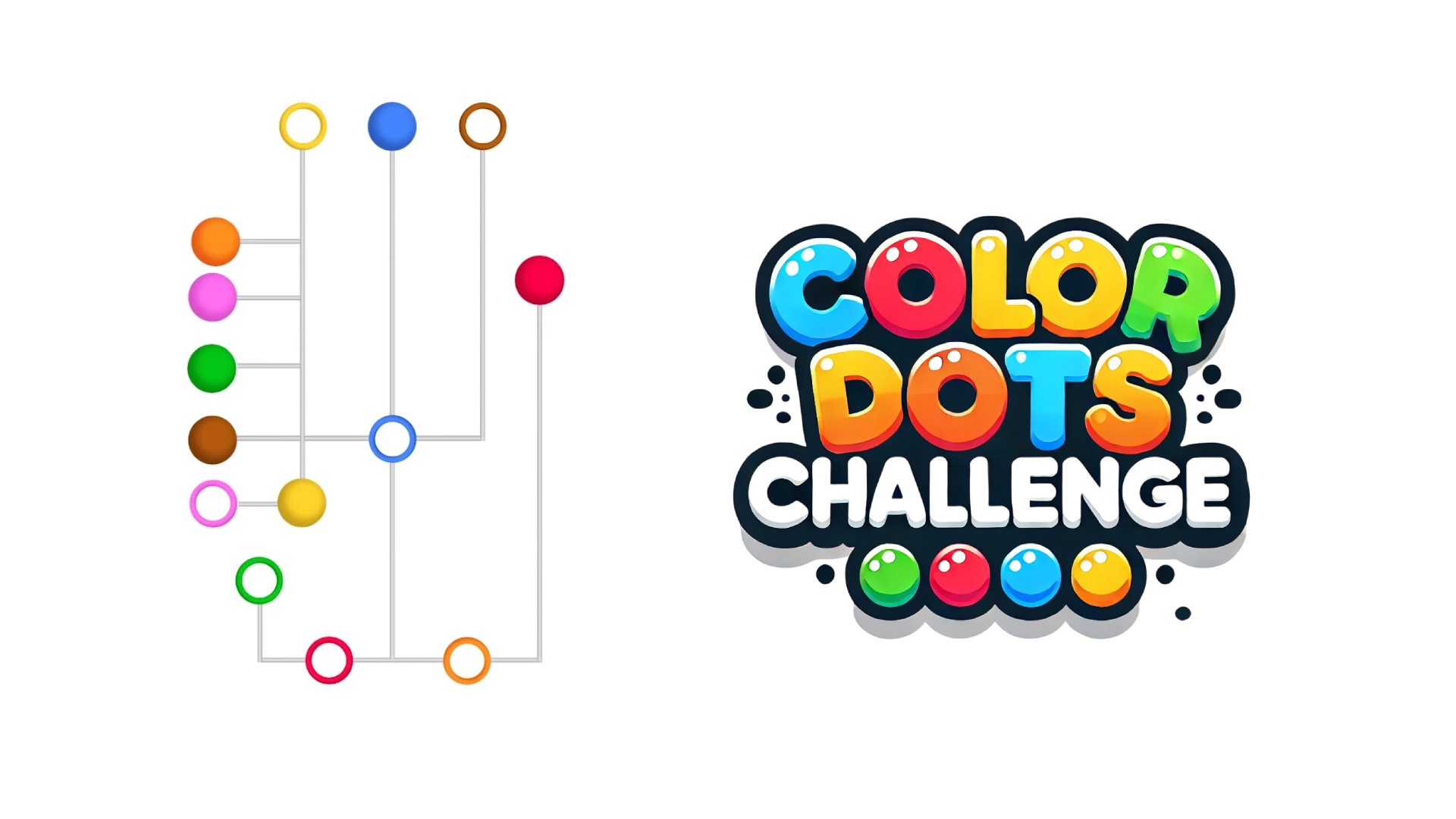
The live build opened to Level 1 after its pre-roll. Two colored dots—red and yellow—sit on the left, each connected by a horizontal guide to a matching outlined ring on the right. A tutorial hand points to the yellow dot. Undo, eraser, and phantom tools are displayed along the bottom, while settings, restart, and an ad-marked skip control occupy the top edge.
This is direct evidence of drag-based color placement and of optional helper controls. We did not use the skip or determine how tool charges are earned.
Solve destination identity before move order
Imagine red dot R with a matching ring across a path occupied by yellow dot Y. Y has its own unobstructed matching slot.
Identify the two destinations first; then move Y if doing so clears R’s path under the actual movement rules. A precise tap on the wrong destination is still a logic error, while the correct destination with unreadable colors is an information problem. These need different remedies. Our readability checklist separates identity cues, selection feedback, and target size so a player can describe the actual obstacle.
This path example is constructed. The current written source does not prove that movements follow straight lines or that this exact arrangement occurs.
How matching cues survive distance and noise
The player drags a colored dot along or around constraints and places it into the ring of the same color. Early levels teach direct movement; later boards may introduce crossings, obstacles, or paths where moving one dot interferes with another.
The challenge is not color identification alone. The path and release point matter. A correct color can still fail if the dot is dropped outside the ring or if the route blocks another move.
Handle the most constrained dot first. If one path is narrow or crosses several others, solve it before open-space moves. Drag steadily and release near the center of the target ring.
When several colors are similar, follow position and endpoint shape as well as hue. The visible rings provide a useful second cue.
The tutorial explicitly demonstrates pointer or touch dragging. The broad white playfield makes colored objects easy to distinguish, and large targets reduce precision pressure in Level 1. Keyboard-only play was not shown.
Color is central to the puzzle, so accessibility depends on whether later levels add patterns, labels, or consistent positions. Our first screen does not prove a color-blind alternative. Players who struggle with hue matching should test the opening stages before relying on the game.
The source export displayed advertising before launch. An upper-right skip icon carries an AD label, and the bottom tools look like consumable helpers. We did not activate any of them, watch a rewarded video, or make a purchase. Their visibility should be treated as a commercial signal, not evidence that payment is necessary.
Precision drag games may also behave differently across mouse, trackpad, and touch. A miss caused by input sensitivity is not the same as misunderstanding the puzzle.
Color Dots Challenge suits people who enjoy simple spatial routing, careful dragging, and short levels. It may not suit users who need keyboard operation, cannot rely on color distinctions, or dislike optional-ad helpers. The first levels are best used to judge input accuracy before difficulty increases.
A future check should include crossed paths, similar hues, and a phone-sized screen. It should confirm whether shape or position always supplements color and whether every helper remains optional during normal progression.
With only red and yellow on the tutorial screen, the first move is straightforward. The more revealing question is how the board handles future paths that compete for the same space. Before dragging, identify the shortest clean corridor for each dot and reserve narrow passages for the pair with the fewest alternatives. Drawing the most obvious line first can be a mistake if it blocks a later color from reaching its ring.
Undo and eraser imply two different correction scopes: one may reverse a single action while the other may remove a chosen route. The phantom tool could preview or bypass a conflict, but its function was not demonstrated and should not be guessed. A deeper test should deliberately create a crossing, release a dot outside its target, and drag along the edge of an existing path. We would record whether invalid routes snap back, whether lines may touch, and whether success is indicated beyond color. That evidence would reveal both puzzle fairness and suitability for players with color-vision differences.
Identity cues matter as much as matching
The current source describes tapping a colored dot to move it to its matching slot.
Avoiding other dots is part of the stated challenge. The instructions do not establish input tolerance, undo, or whether a wrong-slot selection is rejected or committed.
Verify every cue before counting matches.
- Verify every cue before counting matches.
- Prefer placements that keep related cues visible.
- Avoid relying on color alone if shapes overlap.
- Check each completed group for readability.
Two colors look close
Two colors look close
Plan only if shape, outline, or position disambiguates them.
Ambiguous cues make errors unpredictable.
A slot is far from its supply
Track the route before committing.
Distance increases the cost of a mistaken identity.
Prefer placements that keep related cues visible.
- Verify every cue before counting matches.
- Prefer placements that keep related cues visible.
- Avoid relying on color alone if shapes overlap.
Good for visual matching when cues are clear.
Good for visual matching when cues are clear.
Consider accessibility needs before longer sessions.
Color Dots Challenge versus connect puzzle image
Connect Puzzle Image assembles parts of a picture; Color Dots Challenge matches dots to slots while avoiding other dots. Recognizing an object outline and distinguishing a destination color are different perceptual tasks.
Read the comparison overview →A matching exercise with a strong readability test.
A matching exercise with a strong readability test.
Editorial synthesis: Solve destination identity before move order
Color Dots Challenge should be judged by destination identity before speed. A fast sequence is useful only after the player knows which dot belongs to which target and whether drawing through another dot is allowed. The page makes that distinction explicit so readers can separate perception difficulty from motor difficulty. It is a meaningful comparison lens for casual puzzle games: some players want quick visual sorting, while others need clear targets and forgiving paths. The article's conclusion stays tied to that choice rather than claiming a universal difficulty level.