Design the bridge in two states: closed support and open clearance.
Can the bridge carry load and still make room to move?
This two-state model separates structure from clearance; no completed build is claimed.
| State | Requirement | Common conflict | Better order |
|---|---|---|---|
| Closed | Connect crossing points | Segments may block movement | Build the stable base first |
| Open | Create passage | Moving parts need free space | Reserve rotation room |
| Reset | Return to support | Alignment can drift | Plan the return path |
A bridge is only finished when both support and clearance can exist without blocking each other.
First bad decision
Build a rigid connection through the area needed for the bridge to open.
- Tempting move
- Build a rigid connection through the area needed for the bridge to open.
- Why it appeals
- It makes the crossing immediately stronger.
- Actual cost
- The structure can block the very movement that creates passage.
Before the next decision
Draw Bridge - Brain Game: the four-point re-check
- Define the crossing and the opening separately.
- Reserve space for moving parts.
- Test whether the reset path is clear.
- Only extend members after both states work.
Draw Bridge - Brain Game’s opening screen
The live build reached Level 1 after the source advertisement. A small red car waits on a stone platform at the left, a flag stands on the platform to the right, and a rectangular gap separates them. A dotted curved guide spans the gap. Settings, restart, and a store are visible, but no znvrgames UI or source ad remains in the audit screenshot.
This is a true gameplay state rather than the full website view that was mistakenly captured earlier. We did not claim completion of later hazards or store content.
Draw the route the car can actually use
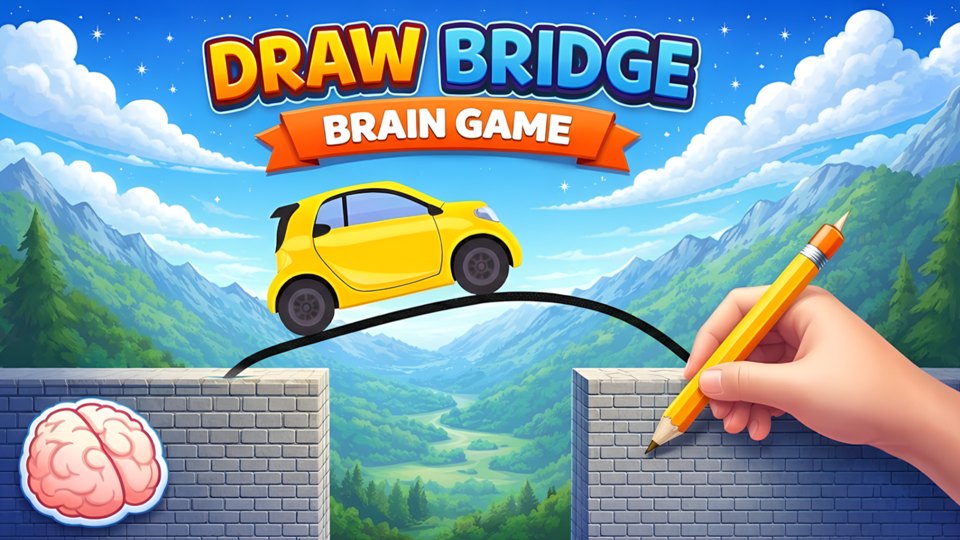
The source describes holding and dragging to draw a route, then releasing to let a car travel across it.
The objective is to reach the destination past gaps and obstacles. The listing describes cosmetic rewards; it does not establish an ink budget or guarantee that every level permits the same drawing method.
How drawn slopes meet landing physics
The player draws a bridge or path that becomes physical when the car moves. The line must connect both sides, support the vehicle, and avoid obstacles. A short direct line uses less material but may create an abrupt edge; a smooth curve can be safer but may sag or cost more.
The puzzle combines drawing precision with a simple physics test. The solution is judged after release, so planning before touching the screen is more valuable than correcting a line mid-run.
Begin close to the left platform edge and draw continuously toward the right anchor. Follow a shallow arc rather than a high loop. Make sure both endpoints overlap solid ground; a tiny visual gap can become a failed connection.
When a design nearly works, change only the failing section. Redrawing everything makes it harder to understand the physics.
The mechanic is built for pointer or touch drawing. Keyboard input was not demonstrated. The horizontal playfield provides ample room on desktop, and the car, flag, and platform edges are visually distinct. A trackpad may create less even curves than a mouse or finger.
We did not verify undo, stroke limits, pressure sensitivity, or accessibility alternatives for users who cannot draw continuous paths.
The Playgama environment displayed a pre-roll before the level. The game also includes a store icon and a red alert badge, but we did not open it or make any purchase. Restart is available separately. Future levels may offer ad-based skips or helpers, which were not tested.
Physics results can vary with small line differences. A fair game should show why a bridge breaks or why the car fails; otherwise iteration becomes guesswork.
This title fits players who like drawing puzzles, quick physical experiments, and compact level goals. It may not suit someone who needs keyboard-only control or dislikes repeated precision retries. The first gap is a useful calibration of stroke recognition and endpoint attachment.
A future session should complete several bridges, record whether drawn lines have a length limit, and test how consistently the same stroke behaves with mouse and touch. It should also open the store only to document its function, never to imply that a purchase is required without evidence. Until those checks are complete, this review intentionally avoids claims about difficulty curves, reward frequency, and later obstacle types.
A drawn bridge must solve two problems at once: carry the vehicle and leave enough clearance around hazards. Begin the stroke on a visibly supported surface, keep the roadway smooth where wheels will travel, and avoid sharp peaks that may stop forward motion. If the scene allows extra ink, a second line beneath a long span may be more useful than adding thickness near an already supported end.
When a design fails, identify whether the line collapsed, the vehicle lost contact, or an obstacle was struck. Each failure calls for a different revision. Redrawing the entire shape makes it harder to learn which change mattered, so adjust one segment at a time. A rigorous follow-up should replay an identical stroke to see whether physics are stable and compare a shallow arc with a straight span at the same gap. That would reveal whether success depends mainly on structural shape, path geometry, or forgiving collision detection.
Inspect the start, span, and landing separately
Consider a constructed gap where a drawn stroke connects both platforms but forms a steep bump exactly at the car’s starting edge.
A topological connection exists, yet the car may encounter a difficult transition before reaching the span. Inspect three parts: how it enters the stroke, how the stroke crosses the gap, and how it meets the landing. If the run fails at the start, revise that junction before redrawing the whole middle. Changing one part preserves information about what caused the failure.
The example does not predict the game’s physics, confirm whether a stroke remains rigid, or reproduce a commercial level.
Prefer gentle changes of direction.
- Mark gaps, walls, and landing zones.
- Prefer gentle changes of direction.
- Leave room for momentum.
A short gap appears
A short gap appears
Use a simple, high-traction segment.
Extra complexity adds failure modes.
Slope is steep
Trade directness for control.
A slower route may be the reliable one.
Good for drawing-plus-physics experimentation.
Good for drawing-plus-physics experimentation.
Avoid if you want deterministic path puzzles.
Mark gaps, walls, and landing zones.
- Mark gaps, walls, and landing zones.
- Prefer gentle changes of direction.
- Leave room for momentum.
- Redraw after observing where motion fails.
Draw Bridge - Brain Game versus bridge builder
Bridge Builder separates construction members and explicitly lists simulation and undo controls. Draw Bridge couples finishing a stroke with starting a run. That difference changes how deliberately you can stage an experiment.
Read the comparison overview →A route-drawing exercise with useful physical feedback.
A route-drawing exercise with useful physical feedback.
Editorial synthesis: Inspect the start, span, and landing separately
A successful bridge begins with three separate checks: where the object starts, where the path must span, and where the landing must be safe. Treating those as one gesture hides the source of failure. The page's independent value is the staged inspection method, which shows whether spatial drawing under constraints feels satisfying spatial drawing under constraints. It also keeps the recommendation honest: the article can explain a robust way to reason about a route without claiming that every physics interaction or later obstacle has been tested.